Severity: Notice
Message: Undefined variable: pagecount
Filename: controllers/document.php
Line Number: 4926

Unlock these Enterprise features for free for 7 days:
Title: North Carolina Change of Address
Document ID: 0
Document Completed:
No Document History |

Title: North Carolina Change of Address
Document ID: 0
Document Completed:
No Document History |

The name of the person or company you'll enter will be used in the E-signature Agreement.
All signature fields must have an assigned signatory before the document can be sent for signing.
Please add signature fields and assign signatories before sending out the document.
The document will not be sent for signing.
Any changes to this document will require you to resend the document for signing.
All signatures on this document will be deleted and all signatories will be notified.
Document will only be sent to signatories who have not yet signed.
Copy the link
Your Session is already expired. Please login.

Form MVR-24A, Notice of Change of Address Required Within 60 Days, or the North Carolina Change of Address Form is a document used to notify the North Carolina Division of Motor Vehicles (DMV) of a change of address.
The North Carolina Department of Transportation (NCDOT), a government agency in the United States, requires individuals who moved to, from, or within North Carolina to change their address within 60 days after moving.
NCDOT oversees all modes of transportation, including highways, rail, aviation, ferries, public transit, and bicycle and pedestrian in all states. One of its divisions is the North Carolina DMV.
Failure to provide accurate and complete information on your North Carolina Change of Address Form may result in the rejection of your application to update your record.
Year model
Enter your vehicle's year model.
Make
Enter your vehicle's make or brand.
Body style
Enter your vehicle's body style.
VIN
Enter your Vehicle Identification Number.
Registration plate #
Enter your vehicle's registration plate number.
Title #
Enter your vehicle's title number.
Handicapped Placard #
If you have a Disabled Person (DP) placard, enter your handicapped placard number.
Registered Owner(s)
Enter the registered owner or owners of the vehicle.
P.O Box can be included in address, however, P.O. Box only is not acceptable.
Enter your new residence address in North Carolina.
Street, Road or RFD
Enter the street and road or Rural Free Delivery (RFD) of your new residence.
CITY
Enter the city of your new residence.
STATE
Enter the state of your new residence.
ZIP CODE
Enter the ZIP code of your new residence.
County
Enter the county of your new residence.
Driver License #
Enter your driver's license number.
Filing the North Carolina Change of Address Form depends on whether you are moving within, to, or from North Carolina.
If you are moving to North Carolina from another state, you must apply in person. You cannot process your change of address online or by mail, so you need to go to the North Carolina DMV office to update your address on your driver's license and register your vehicle.
If you are moving within North Carolina, you may mail your North Carolina Change of Address Form to:
NC Division of Motor Vehicles
3148 Mail Service Center
Raleigh, NC 27699-3148
However, you are not eligible for a change of address by mail if any of the following applies to you:
You need to go in person to update the address on your driver's license and vehicle registration.
If you are moving from North Carolina to a new location, you do not have to notify the NC DMV of your move. However, you need to mail your North Carolina license plates and state registration card to:
NC Division of Motor Vehicles
3148 Mail Service Center
Raleigh, NC 27600-3148
There is no fee for a change of address. However, some fees apply if you want to obtain a physical copy of your updated driver's license and register your vehicle.
If you are new in North Carolina, you need to bring the following to the DMV office to get a new driver's license:
You are required to get a new driver's license within 60 days after you establish residency in North Carolina. It is best to prioritize updating your driver's license as you will need it in your vehicle registration.
If you moved within North Carolina, you need the following to update the address on your driver’s license:
If you are new in North Carolina, you need to go to a DMV office and submit the following to register your vehicle:
If you move within North Carolina, bring the following to update your vehicle registration:
You are required to register your vehicle 30 days from the date of your move.
A Disabled Person (DP) placard or handicapped placard is a parking permit given to a person with a permanent disability or impaired mobility.
Some of the conditions include:
Anyone with a temporary disability can also apply for a temporary DP placard that is usually valid for six months. Temporary disability includes impaired mobility due to surgery or operation.
To get a permanent or temporary Disabled Person placard, you must submit the following documents:
You can apply in person or mail your application to:
DMV Placard
P.O. Box 932345 M/S D238
Sacramento, CA 94232-3450
PDFRun is an online PDF editor platform that enables its users to find, edit, electronically sign, download, and share forms and documents anytime and anywhere, using any device.
With a cloud-based archive of thousands of forms and documents, it fast-tracks the document management processes of many professionals and businesses of different sizes, across many industries.
Through its user-friendly and easy-to-navigate interface, users may also upload their own files to fill out, edit, convert, e-sign, and share to multiple recipients to request signatures.
PDFRun streamlines document management processes, improves documentation workflows, and enhances its users’ efficiency, resulting in better productivity and an increase in work output.
1-888-245-8984
Monday - Friday
7:00AM to 4:00PM PST
Use the File button to access functions such as New PDF, New Page, Organize Pages, Save, Save As, Print, Export, Share Link, Email, and Postal Mail.

Use the Text button to add texts, numbers, and symbols to your document. To customize the texts, you will be able to access additional tools, such as the Bold, Italics, Underline, and Strikethrough buttons, the text alignment options, such as Left, Center, Right, and Justified buttons, the Bulleted List and Numbered List buttons, the Font Styles and the Font Sizes drop-down lists, and the Font Color and Font Highlight Color selection tools.
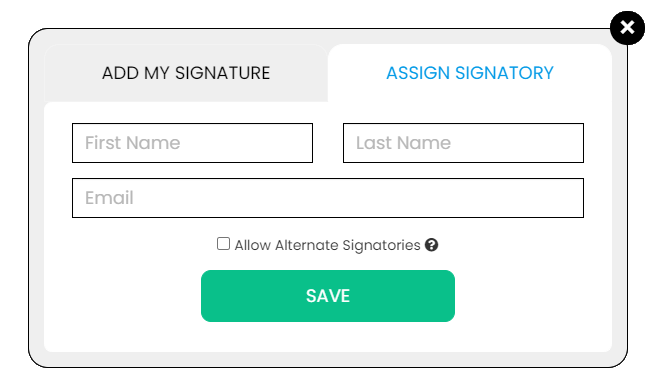
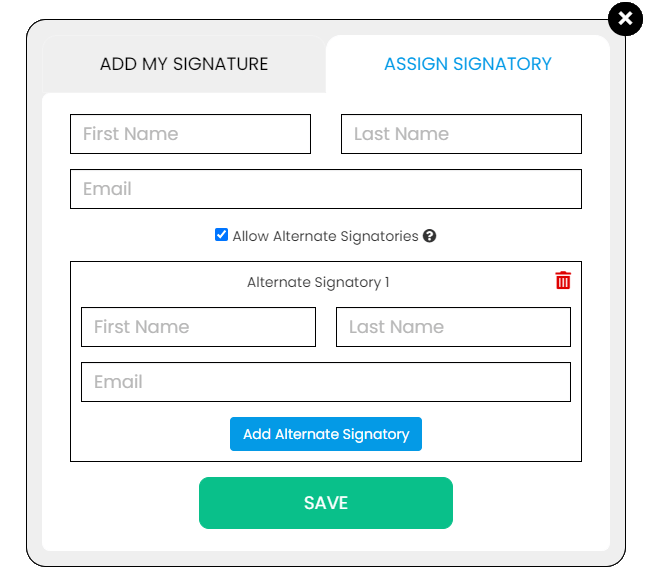
Use the Signature button to add a signature to your document and to assign a signatory. You will have the option to Type, Draw, or Upload your signature.

Use the Image button to add an image, logo, or photo to your document. The accepted formats are .jpg, .jpeg, and .png.

Use the Date button to add a date to your document. The default date format is MM/DD/YYYY, but you can modify it by typing the date format you prefer. Initially, it will display the current date, but you will be able to change it. To customize the date, you will be able to access additional tools, such as the Move text button, the Font Styles and the Font Sizes drop-down lists, the Bold, Italics, and Underline buttons, and the text alignment options, such as Left, Center, Right, and Justified buttons.

Use the Check button to add a check symbol to your document. To customize the check symbol, you will be able to access the Size adjustment tool.

Use the Cross button to add a cross symbol to your document. To customize the cross symbol, you will be able to access the Size adjustment tool.

Use the Whiteout button to white out or erase items in your document.

Use the Redact button to censor items in your document.

Use the Marker button to highlight items in your document. To customize the marker, you will be able to access the Color selection and Size adjustment tools.

Use the Insert button to add Icons, Header, Footer, Watermark, Comment, and Sticky Note to your document. The Icons button allows you select shapes such as Arrow Left, Arrow Right, Arrow Up, Arrow Down, Thumbs Up Thumbs Down, Question Mark, Exclamation Point, Circle, and Square; the Header button allows you to add a header; the Footer button allows you to add a footer; the Watermark button allows you to add a watermark by typing or uploading an image; the Comment button allows you to leave a comment in any part of the document; the Sticky Note allows you to post a note to any part of the document.

Use the Zoom button to zoom in and zoom out your document.

Use the Undo button to negate the last command done to your document.

Use the Redo button to reverse your last Undo.

Use the Help button to read instructions about how to use PDFRun’s online editor.

Use the Send for Signing button when you are done editing your document and you want to send it to another person for signing. You will need to provide the information of the recipient of your document to proceed.

Use the Email button when you are done editing your document and you want to send it to another person via email. You will need to provide the information of the recipient of your document to proceed.

Use the Download button when you are done editing your document and you want to save a copy of it to your device.

Use the Done button to finish editing your document.