Severity: Notice
Message: Undefined variable: pagecount
Filename: controllers/document.php
Line Number: 4926

Unlock these Enterprise features for free for 7 days:
Title: Resignation Letter
Document ID: 0
Document Completed:
No Document History |

Title: Resignation Letter
Document ID: 0
Document Completed:
No Document History |

The name of the person or company you'll enter will be used in the E-signature Agreement.
All signature fields must have an assigned signatory before the document can be sent for signing.
Please add signature fields and assign signatories before sending out the document.
The document will not be sent for signing.
Any changes to this document will require you to resend the document for signing.
All signatures on this document will be deleted and all signatories will be notified.
Document will only be sent to signatories who have not yet signed.
Copy the link
Your Session is already expired. Please login.

A Resignation Letter, also sometimes known as a 2 Weeks’ Notice, a Resignation Letter, or a Letter of Resignation, is a letter submitted by an employee to their employer to inform them of their decision to resign.
There are many different reasons that can cause an employee to submit their resignation letter. For some, it is simply a matter of the salary or nature of the work not being satisfactory, and as such they may decide that resigning and finding a better job would be more aligned with their interests. Salary issues are one of the most common reasons cited for resignation, especially depending on the nature of the work itself and whether or not the employee believes that it is worth the pay they are receiving, or the environment that they are working in.
Bad work environments can be described in all manner of ways. For some, it primarily involves the general attitudes of their superiors and coworkers, while for others it may involve such things as the work expected of them by their superiors, the way that employees are encouraged to continue working, and et cetera. A lack of balance and separation between their work and their personal life may also contribute to an employee feeling that a work environment is not suitable for them. Commonly cited examples of this kind of issue tend to include being required to do (often unpaid) overtime, or otherwise doing extra work that cuts into time that they had originally requested as vacation time or similar, under threat of losing their job if they do not comply.
It is not a legal requirement (for the most part) for an employee to submit a resignation notice before leaving their job. Instead, it is simply a practice that is commonly done out of courtesy in order for the employer to be made aware of their employee’s decision to quit and have enough time to (should they wish to) find a replacement. Despite sometimes being referred to as a Two Weeks’ Notice, an employee does not actually have to give their letter of resignation two weeks before the date that they will leave the company - they will decide themselves what date to set for their eventual departure.
Because of this, in rarer and more extreme cases, such as an actively harmful work environment, abuse in the workplace, another legal or ethical issue, or even a personal issue that requires immediate addressing that will cause the employee to become unable to work for the company in some way, employees may simply leave the company without providing notice to their employer to preserve their safety. In some cases, an employer may also simply not see the resignation letter - however, this does not mean that the employee must postpone their resignation until their employer is able to read their notice.
In the context of contractual employment, there may be provisions within the contract that require a resignation notice to be tendered and accepted before an employee is allowed to resign. This, as well as the consequences for breaching the terms of the contract by resigning without providing prior notice, will depend on the terms agreed upon in the contract itself.
Otherwise, there are generally no legal repercussions to resigning without providing a resignation letter, but there may still be negative impacts on a person’s professional reputation. This may be especially apparent should the industry they were previously working on be very high level, or otherwise be quite small. Their resignation without providing notice may signal to others in the industry that they cannot be counted on to stay, which would make finding other work within the industry harder for them.
Thus, outside of some extreme cases, it is often better to provide a resignation letter as an advance notice of your resignation, in order to avoid most possible legal or social consequences. Some companies will designate the Human Resources department as the primary entity that processes resignation notices.
Any employee who wishes to resign from their job and inform their employer of their intention to quit in a courteous and polite manner will need a resignation letter in order to bring the subject to their employer’s attention. This can be submitted as a physical letter, as an email, or both - so long as the resigning employee is reasonably sure that their employer will receive their notice.
Resignation letters will vary in length and complexity depending on whether or not you wish to elaborate on your reason for leaving the company. Overall, however, they are generally very simple letters to fill out.
As part of the process of resignation, you may wish to contact the Human Resources department of your company before submitting your resignation notice, in order to get a feel for what will need to be done to properly prepare for your departure from the company.
Date and Address
Enter the date that this letter was written, and the address it is being sent to.
Salutations
Politely and respectfully address the person you are sending your resignation notice to. You may add any relevant title that they hold, such as Dr., Sir, Professor, et cetera.
Name of Company or Workplace
Enter the name of the company or workplace you are resigning from.
Last Day
Enter the date that you have designated as your last day on the job before you depart.
Reason for Resignation
Enter your reason for resignation here. You may use additional paper as needed.
Availability for Discussion
Enter where, how, and when you are able to be contacted to discuss matters relating to your resignation. You may provide information such as:
Signature
Sign the letter in the space provided.
It is important to keep your resignation letter safe and to send it through secure means in order to avoid issues such as identity theft and to avoid or minimize any problems with your resignation. This is because the resignation letter contains your signature, which can be used for various purposes should it be stolen.
Legal counsel may be beneficial depending on your situation. Before submitting your resignation notice, you may wish to contact a legal professional for advice on how to proceed with your resignation in your current situation.
Practice good contract management. Keep a copy of the resignation letter in a safe and organized place for possible future legal use, or as a backup in case something happens to the original.
PDFRun is an online PDF editor platform that enables its users to find, edit, electronically sign, download, and share forms and documents anytime and anywhere, using any device.
With a cloud-based archive of thousands of forms and documents, it fast-tracks the document management processes of many professionals and businesses of different sizes, across many industries.
Through its user-friendly and easy-to-navigate interface, users may also upload their own files to fill out, edit, convert, e-sign, and share to multiple recipients to request signatures.
PDFRun streamlines document management processes, improves documentation workflows, and enhances its users’ efficiency, resulting in better productivity and an increase in work output.
1-888-245-8984
Monday - Friday
7:00AM to 4:00PM PST
Use the File button to access functions such as New PDF, New Page, Organize Pages, Save, Save As, Print, Export, Share Link, Email, and Postal Mail.
Use the Text button to add texts, numbers, and symbols to your document. To customize the texts, you will be able to access additional tools, such as the Bold, Italics, Underline, and Strikethrough buttons, the text alignment options, such as Left, Center, Right, and Justified buttons, the Bulleted List and Numbered List buttons, the Font Styles and the Font Sizes drop-down lists, and the Font Color and Font Highlight Color selection tools.
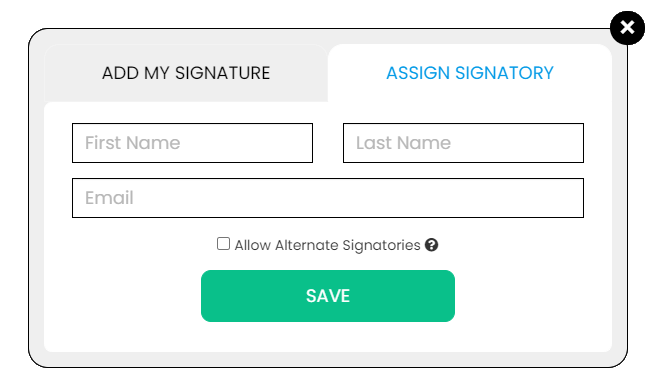
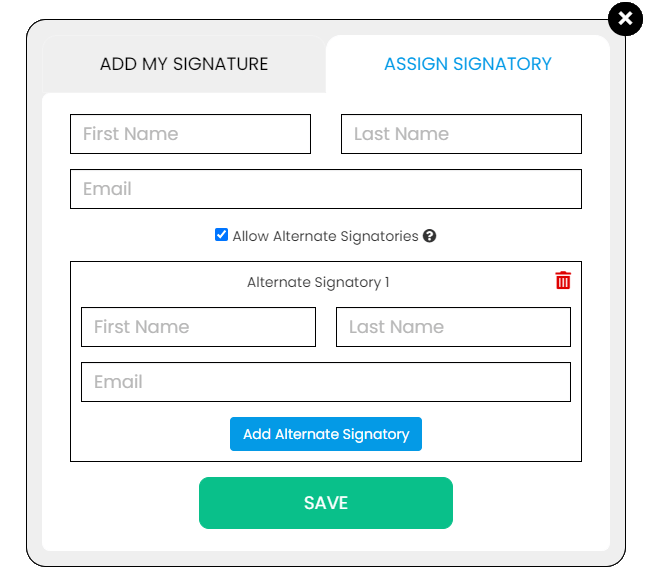
Use the Signature button to add a signature to your document and to assign a signatory. You will have the option to Type, Draw, or Upload your signature.

Use the Image button to add an image, logo, or photo to your document. The accepted formats are .jpg, .jpeg, and .png.

Use the Date button to add a date to your document. The default date format is MM/DD/YYYY, but you can modify it by typing the date format you prefer. Initially, it will display the current date, but you will be able to change it. To customize the date, you will be able to access additional tools, such as the Move text button, the Font Styles and the Font Sizes drop-down lists, the Bold, Italics, and Underline buttons, and the text alignment options, such as Left, Center, Right, and Justified buttons.
Use the Check button to add a check symbol to your document. To customize the check symbol, you will be able to access the Size adjustment tool.
Use the Cross button to add a cross symbol to your document. To customize the cross symbol, you will be able to access the Size adjustment tool.

Use the Whiteout button to white out or erase items in your document.

Use the Redact button to censor items in your document.

Use the Marker button to highlight items in your document. To customize the marker, you will be able to access the Color selection and Size adjustment tools.

Use the Insert button to add Icons, Header, Footer, Watermark, Comment, and Sticky Note to your document. The Icons button allows you select shapes such as Arrow Left, Arrow Right, Arrow Up, Arrow Down, Thumbs Up Thumbs Down, Question Mark, Exclamation Point, Circle, and Square; the Header button allows you to add a header; the Footer button allows you to add a footer; the Watermark button allows you to add a watermark by typing or uploading an image; the Comment button allows you to leave a comment in any part of the document; the Sticky Note allows you to post a note to any part of the document.

Use the Zoom button to zoom in and zoom out your document.
Use the Undo button to negate the last command done to your document.

Use the Redo button to reverse your last Undo.

Use the Help button to read instructions about how to use PDFRun’s online editor.

Use the Send for Signing button when you are done editing your document and you want to send it to another person for signing. You will need to provide the information of the recipient of your document to proceed.

Use the Email button when you are done editing your document and you want to send it to another person via email. You will need to provide the information of the recipient of your document to proceed.

Use the Download button when you are done editing your document and you want to save a copy of it to your device.

Use the Done button to finish editing your document.